
Introduction
Effective team management is crucial for scaling your organization in SaaS Boilerplate. This guide covers inviting members, assigning roles, and maintaining a productive collaborative environment. By the end, you'll have a well-structured team with clear permissions and responsibilities.
Tip
Prerequisites
- Owner or Admin access to the organization
- Understanding of your team's needs and responsibilities
- Access to the dashboard settings
Core Concepts
Team Roles
SaaS Boilerplate uses a hierarchical role system: Owner, Admin, and Member, each with specific permissions.
Permissions
Roles determine what actions users can perform, from basic access to full administrative control.
Invitations
New members receive email invitations with setup instructions and role assignments.
Step-by-Step Guide
Access Team Management
Navigate to Settings > Organization > Members in the dashboard.
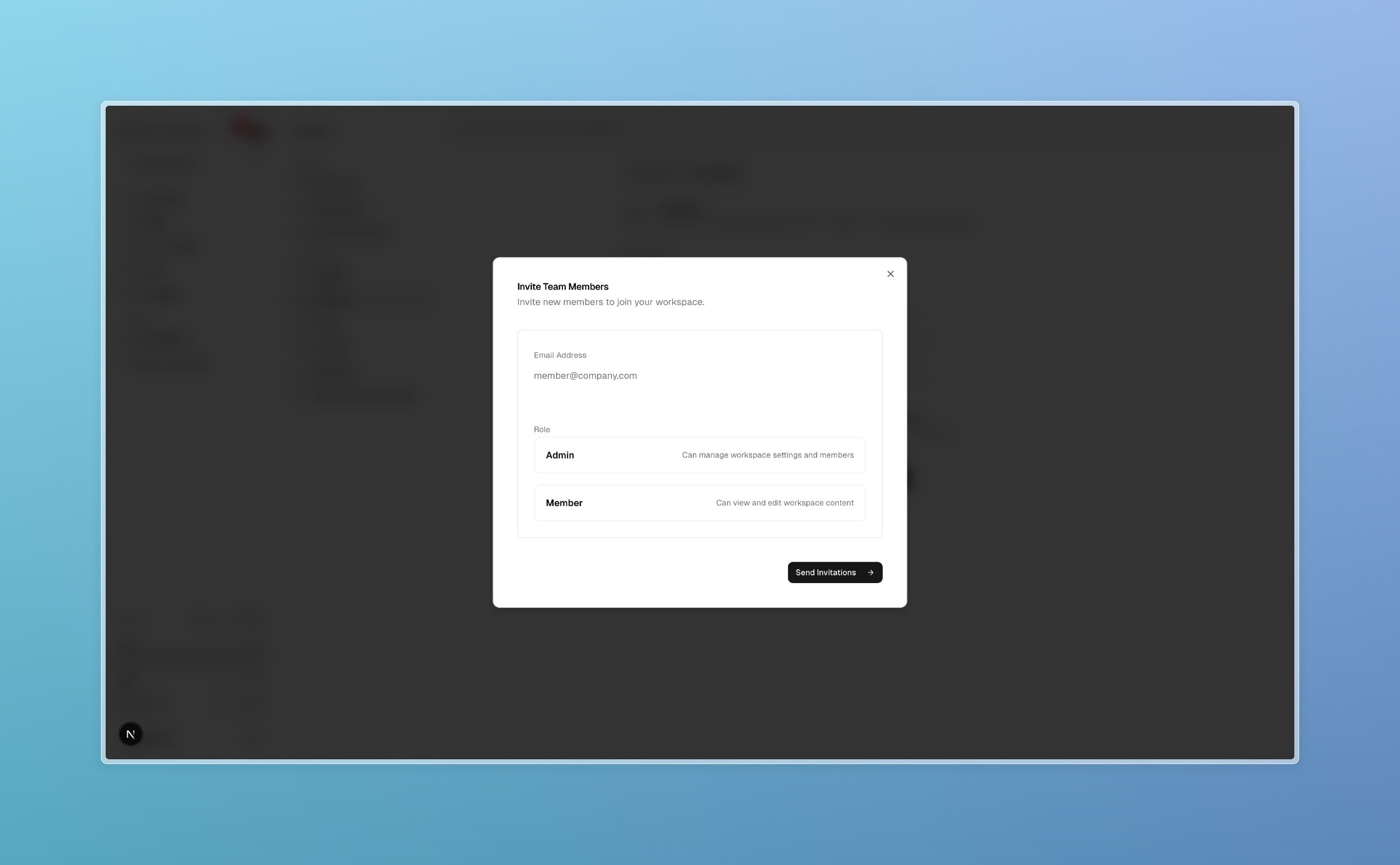
Invite a New Member
Click "Invite Member" and enter:
- Email address
- Role (Owner, Admin, or Member)
- Optional welcome message
Send Invitation
Click "Send Invitation". The member will receive an email with login instructions.
Manage Existing Members
View the member list, change roles via dropdown, or remove members as needed.
Role Details
Prop
Type
Troubleshooting
Best Practices
Read More